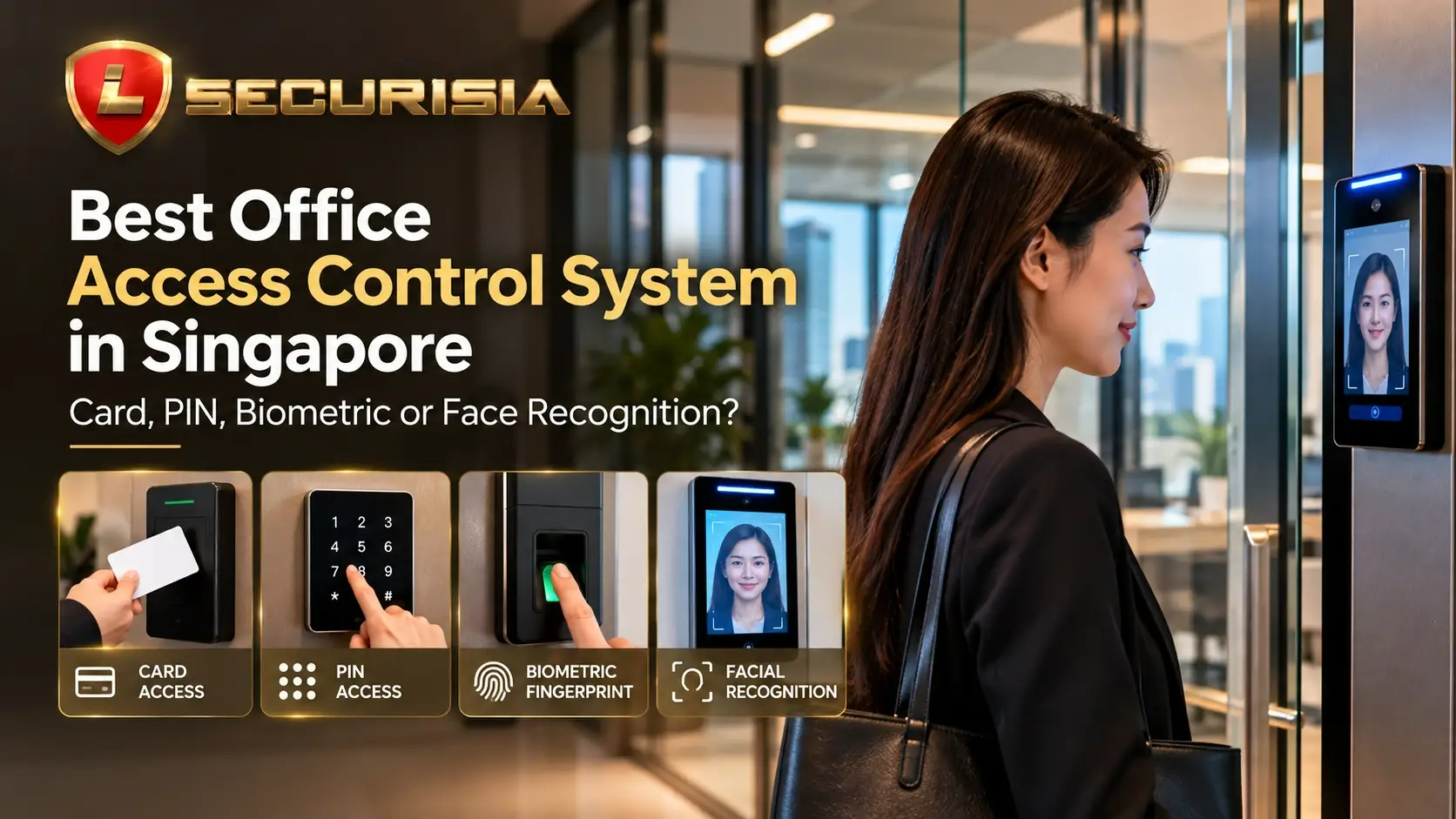
Why office access control matters
An office access control system helps businesses decide who can enter specific doors or areas, and when access is permitted. Depending on the system, administrators may be able to issue or revoke credentials, assign access schedules and review entry events. This can be useful for offices with multiple teams, shared facilities, server rooms, archives or other restricted areas.
There is no single best system for every Singapore business. A small office may value simple day-to-day management, while a larger workplace may need centralised administration, different permission levels and integration with existing security systems.
1. Card and tag access
Card access uses a physical card or compatible tag presented to a reader. Administrators can generally issue credentials to staff and deactivate lost cards or cards belonging to departing employees, subject to the system's features and setup.
Advantages
- Familiar and straightforward for staff and visitors who are issued credentials.
- Convenient to manage when employees join, leave or change access permissions.
- Can suit general office doors, shared workspaces and multi-user environments.
Limitations
- Cards can be lost, lent or shared, so a presented card does not always prove who is using it.
- Businesses need a process to revoke missing credentials promptly.
2. PIN keypad access
PIN access allows a user to enter a code on a keypad. It can be useful where carrying a card is inconvenient or where a small group needs access to a controlled room.
Advantages
- No physical card is needed for entry.
- Codes can be changed when access arrangements change, depending on the controller.
- May be a practical option for selected internal doors or low-traffic areas.
Limitations
- Users may share codes or disclose them to others.
- Common or easily guessed codes reduce security.
- Shared PINs can make individual entry accountability more difficult.
3. Fingerprint access control
Fingerprint readers use biometric matching to verify a presented finger against enrolled credentials. They may be suitable for restricted areas where the organisation wants person-based verification rather than relying only on a card or a code.
Advantages
- Users do not need to remember a PIN or carry a card for each entry.
- Can help reduce casual card-sharing, depending on the reader and configuration.
- May be suitable for selected restricted areas such as equipment rooms or records storage.
Limitations
- Reader performance can vary with sensor quality, finger condition, placement and environment.
- Enrolment, alternate entry procedures and handling of failed matches should be planned.
- Biometric information requires careful handling, access controls and retention decisions.
4. Facial recognition access
Facial recognition systems attempt to verify a user from facial features captured by a compatible terminal. They can provide a contactless experience, but suitability depends on the product, lighting, camera position, user flow and system configuration.
Advantages
- Contactless entry can be convenient in busy workplaces.
- Can reduce reliance on cards or shared PINs when configured for individual verification.
- May integrate with a broader access control platform, depending on compatibility.
Limitations
- Installation conditions such as lighting and terminal placement can affect performance.
- Businesses should provide an alternative process for authorised users who cannot be verified.
- Before adoption, assess the necessity, proportionality, security and handling of biometric data for the intended use.
Access control comparison table
| Method | Main benefit | Key consideration | Typical fit |
|---|---|---|---|
| Card / tag | Easy credential issuing and revocation | Cards can be lost or shared | General staff entry, shared offices |
| PIN keypad | No physical credential required | Codes can be shared or observed | Selected internal doors or small teams |
| Fingerprint | Person-based biometric verification | Reader performance, enrolment and data handling | Selected restricted areas |
| Facial recognition | Contactless entry experience | Lighting, compatibility and biometric-data considerations | Workplaces where contactless entry is valuable |
This table is a general guide, not a guarantee of security performance. Features vary by model, system design and configuration.
How should a Singapore office choose?
Before selecting a door access system, consider how many users need access, which doors are most sensitive, how often permissions change and whether a detailed entry log is important. Also assess reception and visitor arrangements, emergency egress requirements, the existing door hardware and whether the new system must integrate with CCTV or other building systems.
- Small office with standard staff entry: a well-managed card system may be sufficient.
- Door used by a limited group: a PIN keypad may work if codes are managed carefully and shared access is acceptable.
- Restricted room requiring person-based verification: consider whether fingerprint access is appropriate and how biometric data will be handled.
- Busy entrance where contactless entry is valuable: evaluate facial recognition only after checking environment, compatibility, user needs and data-protection considerations.
- Several doors or locations: prioritise centralised user management, access schedules and clear procedures for lost credentials and staff departures.
Can access control integrate with CCTV?
Some access control platforms can integrate with compatible CCTV systems, allowing administrators to review relevant camera footage alongside door events. This may help during incident review, but compatibility, licensing, time synchronisation, network design and storage requirements must be checked before promising a particular feature.
For multi-door offices, plan how access permissions, event records and CCTV footage will be managed together, and restrict system access to authorised personnel.
What about biometric data and access logs?
Fingerprint and facial recognition solutions may involve biometric information, while many access control systems store user details and entry events. Before deployment, document the business purpose, limit access to records, understand the supplier's storage and deletion settings, and assess applicable Singapore personal-data obligations. Collect and retain only what is reasonably needed for the intended purpose. This article provides general information, not legal advice.
Frequently asked questions
Which access control system is best for a small office in Singapore?
A card system is often a practical starting point because cards are relatively straightforward to issue and revoke. PIN access may fit some low-traffic doors. The right choice depends on the number of users, the doors being secured and the level of accountability required.
Is fingerprint access more secure than card access?
Fingerprint access can help confirm the enrolled person's identity, while cards can be shared or lost. However, overall security also depends on reader quality, configuration, fallback procedures, enrolment controls and how the system is administered. Neither method is automatically secure in every installation.
Can a door access system work with CCTV?
Some systems can integrate with compatible CCTV platforms, but the exact functions depend on the equipment and software. Check compatibility and any licensing or storage requirements before selecting the system.
What information should I provide when requesting an access control quote?
Share the number and type of doors, approximate user count, preferred access method, existing lock or intercom details, floor plan or door photos, and any need for CCTV integration or entry records. These details help an installer assess the likely scope.
Conclusion: choose a system that fits the workplace
The best office access control system in Singapore is the one that matches your security priorities, user experience, door hardware and management process. Card, PIN, fingerprint and facial recognition each have advantages and limitations. For some workplaces, a combination of methods across different doors may be the most practical approach.
Lion Securisia Engineering can discuss your office layout, entry requirements and access-control priorities to help you identify a suitable system and installation scope.
Planning an office door access system?
Tell us how many doors need access control, the type of premises and whether you need card, PIN, fingerprint, facial recognition or CCTV integration. A floor plan or photos of the doors can help start the assessment.