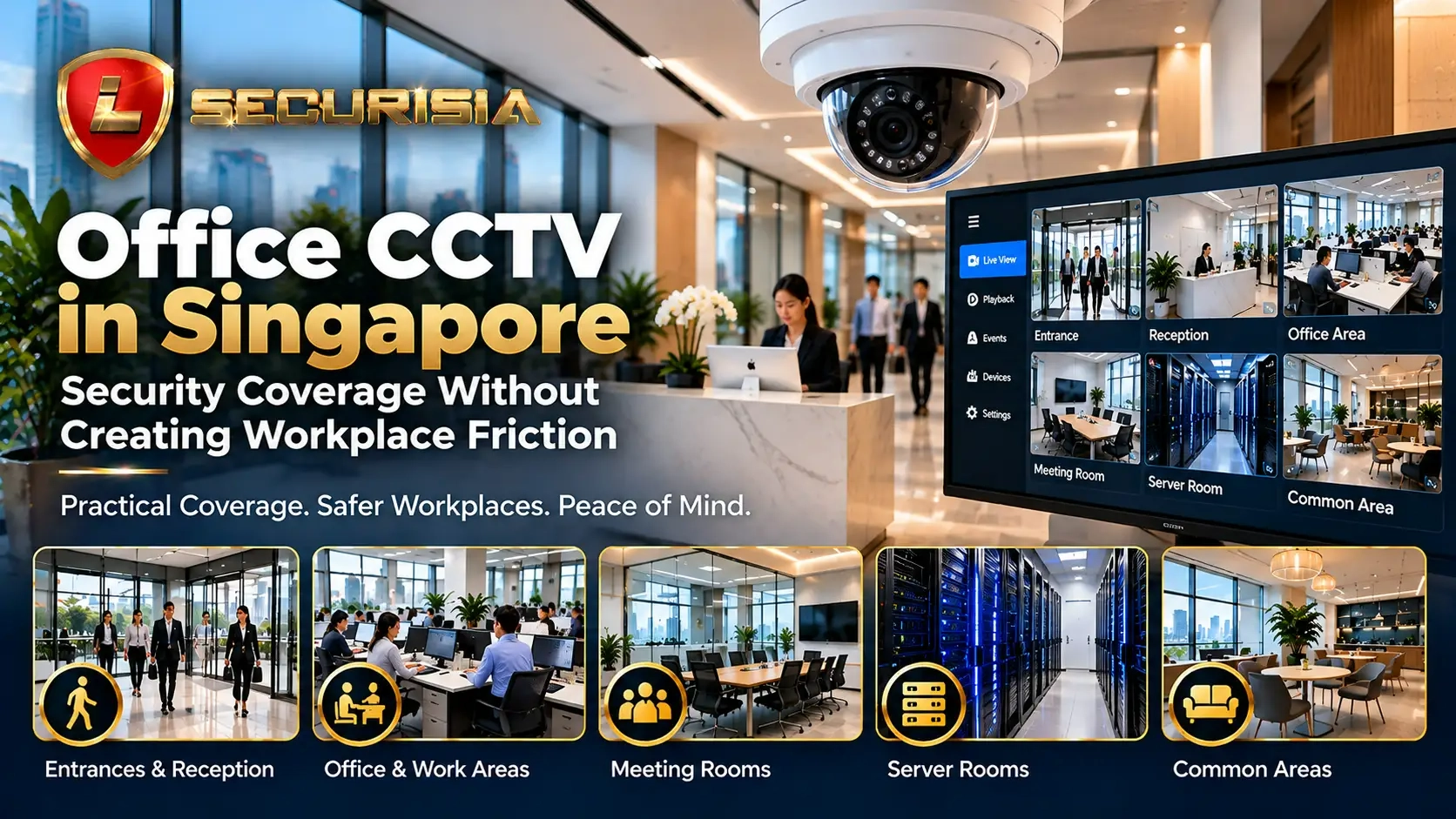
This guide explains how to plan office CCTV in Singapore around real security needs: entry points, reception, restricted rooms, shared circulation areas and reliable footage review.
Quick Answer · Office CCTV Singapore
How should an office CCTV system be planned?
Start with a clear security purpose for each camera, then position it to capture useful footage without recording more of the workplace than necessary.
- Prioritise: entrances, reception, restricted-room doorways and delivery routes.
- Plan reliability: choose recording settings and storage for the required retention period, then test playback and exported clips.
- Protect privacy: limit footage access, explain the purpose of monitoring, and assess audio or analytics separately.
The best layout depends on the office floor plan, lighting, access routes and risks. Confirm camera positions and recording requirements during a site assessment.
Define the purpose of every camera before choosing its position. Clear coverage of an access point is usually more useful than an unnecessary view of an entire open-plan workspace.
1) Start with the purpose of office CCTV
A compact office suite, a multi-room corporate office and a client-facing workplace have different security needs. Before selecting equipment, list the problems the system should help address: unauthorised entry, visitor incidents, access to sensitive rooms, after-hours movement or disputes involving deliveries.
Map the main entry and exit routes, identify sensitive assets and consider where footage would need to show context if an incident occurred. This helps distinguish cameras that provide a broad overview from cameras intended to capture useful detail at a specific point.
2) Prioritise reception and entry points
Reception is often the first interaction point for visitors, contractors and deliveries. A well-positioned view can help staff review arrival times and incidents, while an entrance camera can provide context around people entering or leaving. Pay attention to glass reflections, strong daylight and backlighting, all of which can reduce image usefulness.
- Main entrance and the approach to the door.
- Reception counter and visitor waiting area, where appropriate.
- Lift lobby, corridor approach or side entrance if these are part of the office's access route.
- Delivery and service access points that are not visible from reception.
A wide-angle camera may be suitable for context, but it may not capture enough detail for every review task. Confirm the actual field of view at installation height instead of relying only on the camera's megapixel rating.
3) Protect server rooms and other restricted areas
Server rooms, records storage, finance rooms, stock areas and equipment rooms may contain sensitive business assets. Consider a camera view that helps review access at the doorway and, where appropriate, activity around the room's entrance. Combine CCTV with suitable access control when the site needs to restrict who can enter.
Do not assume CCTV replaces access control, alarms or good key management. These systems solve different problems and can complement one another when configured together.
Concentrate on entry points, restricted zones and incident review paths. Avoid collecting more footage than the business reasonably needs just because a camera can see an area.
4) Plan common areas without over-monitoring
Shared corridors, pantry approaches, printer zones and meeting-room entrances may be relevant for reviewing access or after-hours incidents. However, recording continuously focused views of individual desks or private conversations may be unnecessary for the security purpose. Keep camera views aligned to the identified risk and explain the system's purpose to staff and visitors in an appropriate way.
Audio recording is a separate consideration. Do not enable audio simply because the camera supports it; assess whether it is genuinely necessary and what additional obligations or workplace concerns may arise.
5) Match the camera position to the job
| Office area | Primary purpose | What to check |
|---|---|---|
| Main entrance | Review entry and exit events | Backlighting, door swing, camera angle and facial detail at the expected distance |
| Reception | Review visitor or service incidents | Counter visibility, reflections and whether sensitive screens or documents enter the frame |
| Server / records room | Review access to restricted areas | Doorway view, access-control integration and authorised playback access |
| Corridors / lift lobby | Understand movement between access points | Coverage gaps, overlapping views and lighting at night |
| Delivery / service route | Review contractor and delivery events | Exterior lighting, door visibility and time synchronisation with other cameras |
| Open-plan office | Only where a specific purpose exists | Whether a narrower view or an alternative control would meet the need with less intrusion |
6) Recording, storage and remote viewing
Decide how long footage needs to be available for the office's incident-review process. Required retention depends on the purpose, number of cameras, resolution, frame rate, compression and recording schedule. More days of recording generally require more storage, so estimate the retention target before finalising the recorder and hard drive.
- Use surveillance-rated storage suited to the recording workload.
- Check that camera, recorder and router time settings are synchronised so incidents can be compared accurately.
- Test playback and exported clips, not just live view.
- Limit remote access to authorised users and use unique credentials and secure remote-access settings.
- Review user accounts periodically and remove access when staff or contractors no longer need it.
A system is only useful if authorised staff can find and export relevant footage when required. Include playback training and a simple incident-handling procedure as part of handover.
7) Workplace privacy and responsible use in Singapore
Office CCTV may capture employees, visitors, contractors and other identifiable people. Organisations should determine the purposes for using the footage, provide appropriate notification where required, restrict access, protect recordings and establish sensible retention and disclosure procedures. The applicable requirements depend on the circumstances and any relevant exceptions, so this article is practical guidance rather than legal advice.
For a starting point, review the PDPC's data protection obligations guidance and its Advisory Guidelines on the PDPA for Selected Topics, which discusses CCTV in the context of personal data. Seek professional advice for unusual or higher-risk deployments.
- Document the purpose of each camera and who is authorised to view footage.
- Use suitable notices and staff communications for the deployment.
- Avoid aiming cameras into neighbouring premises or capturing unrelated spaces where this can reasonably be avoided.
- Establish a process for handling footage requests, exports and disclosures.
- Assess audio recording, facial recognition or other biometric analytics separately rather than enabling them by default.
8) Common mistakes in office CCTV installation
- Covering open-plan desks extensively while leaving the main entry or side door poorly covered.
- Choosing a camera based only on megapixels without checking field of view, lens and lighting.
- Ignoring reflections from glass doors and bright windows.
- Failing to set storage duration or test footage retrieval before handover.
- Leaving shared accounts or old user permissions active.
- Installing cameras without a clear purpose, staff communication or access policy.
9) Office CCTV installation checklist
- Mark entrances, reception, restricted rooms, lift lobbies and service routes on a floor plan.
- Define what each camera needs to show, including the distance and lighting conditions.
- Confirm cabling routes, mounting surfaces, network requirements and any building-management work-permit process.
- Choose a recording-retention target and size storage accordingly.
- Set individual user accounts, secure remote access and a footage-export process.
- Test daytime and after-hours views, playback and mobile access before sign-off.
- Document camera purposes, retention settings, responsible contacts and privacy procedures.
Frequently asked questions
Where should CCTV cameras be placed in an office?
Start with entrances, reception, restricted-room doorways, lift-lobby approaches and service routes. Add other views only when there is a defined security purpose and the placement is appropriate for that purpose.
How long should an office keep CCTV footage?
There is no single retention period that suits every office. Set a period based on the documented purpose and review needs, then calculate storage based on camera count, recording settings and schedule. Avoid keeping identifiable footage indefinitely without a reason.
Can office CCTV be viewed remotely?
Yes, if the camera and recorder system support remote viewing and the network is configured securely. Use authorised individual accounts, strong credentials and controlled access, and test playback as well as live viewing.
Does office CCTV replace access control?
No. CCTV records visual events, while access control manages entry permissions. For server rooms and other restricted spaces, the two systems may be used together, based on the site's requirements.
Lion Securisia can review your office entrance, reception, restricted rooms and common circulation areas, then recommend a camera layout and recording setup suited to the site. Final placement and specifications should be confirmed against the floor plan and site conditions.