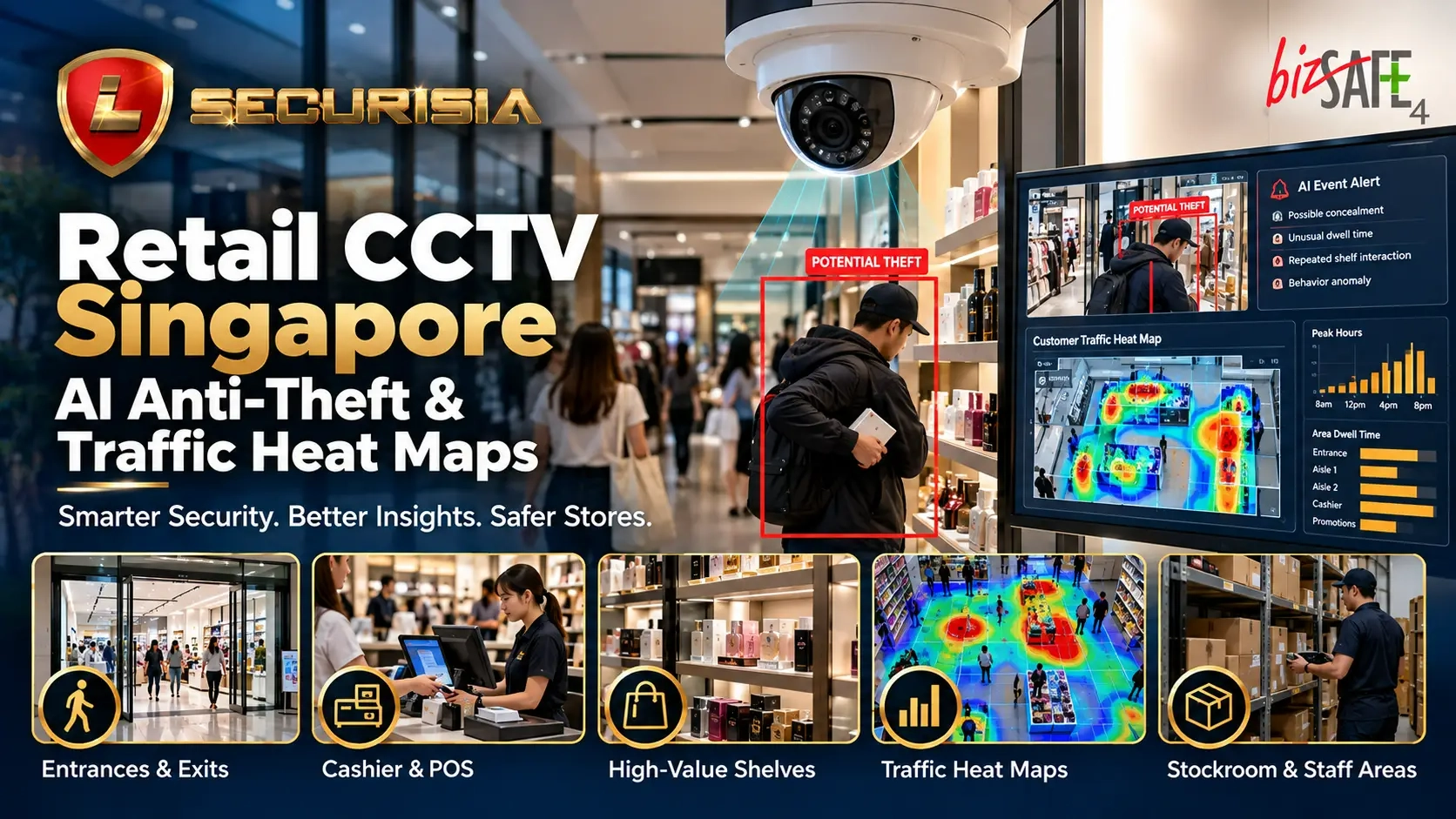
At a glance: an effective retail CCTV plan combines clear views of entrances, cashier zones, high-value shelves and stock access points. Where compatible technology is available, video analytics can flag events for review, a generative-AI assistant can help summarise incident timelines, and traffic heat maps can show aggregated customer movement and dwell patterns. These tools support staff decisions; they do not independently prove that a person has committed theft.
Quick Answer
Retail CCTV in Singapore: key points
- Prioritise camera placement: cover entrances and exits, cashier/POS areas, high-value shelves, blind corners, stockrooms and delivery or staff-only doors.
- Use AI carefully: compatible analytics may flag configured events or help staff find and summarise clips. An alert is a prompt for human review, not proof of theft.
- Use heat maps for store flow: supported systems can show aggregated movement, dwell and queue patterns, but cannot establish an individual shopper’s intent.
- Plan privacy and security: define the purpose, notify people appropriately, limit recording access and set a documented retention period. Review the applicable PDPC data protection guidance.
Practical CCTV placement, generative-AI-assisted retail anti-theft workflows, traffic heat maps, system checks and privacy-aware deployment considerations for Singapore shops.
1) Plan around retail risks and daily operations
In a shop environment, risks and service bottlenecks often cluster around entrances, cashier positions, high-value displays, blind corners and stock movement between the sales floor and back of house. Start by walking the customer and staff journeys, then mark the areas where an incident would be difficult to verify from the current camera views.
Separate two goals at the outset: security coverage for reviewing specific events and operational analytics for understanding movement, queues and dwell patterns. One camera angle may not be suitable for both jobs.
2) Get the core camera positions right first
Entrances and exits
Use an entrance view that provides useful context about people entering and leaving, lighting changes and traffic flow. Avoid relying only on a wide overview if the image needs to support later identification; camera angle, distance, lighting and image quality all affect the result.
Cashier and payment zones
Cashier cameras should help managers review payment disputes, refunds, exchanges and staff-safety incidents. Position cameras to capture the relevant counter activity while avoiding unnecessary recording of payment PINs, private screens or unrelated personal information.
High-value shelves and blind corners
- Prioritise products with high value, frequent stock discrepancies or repeated incident reports.
- Check whether tall shelving, temporary displays or promotional stands create new blind spots.
- Use overlapping views where practical, while ensuring each camera has a clear purpose.
Back-of-house and delivery access
Stockrooms, side doors, staff-only entries and delivery points can help teams reconstruct stock movement when items go missing or deliveries are disputed. Limit access to these recordings to authorised personnel.
3) Retail generative AI anti-theft solution: from alerts to faster review
A practical generative AI anti-theft solution for retail is usually a combination of conventional video analytics and an AI-assisted investigation layer. Video analytics may flag configured events—such as entry into a restricted zone, repeated activity around a high-value display or an unusual queue build-up—depending on the specific platform and camera setup. A compatible generative-AI interface may then help staff search event metadata in natural language, summarise a sequence of alerts or prepare a draft incident timeline from selected clips.
For example, a supervisor might search for “show the flagged events around the stockroom door between 8 pm and closing” if the chosen system supports this type of search. The tool should return relevant events or clips for a person to check, rather than label an individual as a thief based on a single pattern.
Event detection
Configured rules or analytics flag activity for review. Capabilities vary by camera, software, scene and system configuration.
AI-assisted investigation
Where supported, natural-language search and concise event summaries can help staff find relevant recordings more quickly.
Human verification
A trained reviewer checks the original footage and surrounding context before taking action or escalating an incident.
Useful audit trail
Record the event time, reviewer, action taken and reason for escalation under the shop’s incident-handling process.
False alerts can arise from occlusion, lighting, crowds, normal customer behaviour or incorrect configuration. Do not automatically accuse, detain or penalise someone solely because an AI system raised an alert. Verify the relevant footage and follow your established procedures.
4) Retail traffic heat maps: understand how customers use the shop
A retail traffic heat map visualises where movement is concentrated or where shoppers tend to spend time, based on the analytics supported by the system. Depending on implementation, it may help a retailer compare broad movement patterns by hour or day, discover overlooked areas, review queue congestion and evaluate whether a display is attracting attention.
- Entrance and aisle flow: understand common paths and areas customers pass through quickly.
- Dwell patterns: identify zones where shoppers tend to pause or spend longer, without assuming that dwell alone indicates intent.
- Checkout congestion: compare busy periods and assess whether queue layouts or staffing need review.
- Display evaluation: compare aggregated attention patterns before and after a layout change, where the system supports comparable measurement.
Heat maps are most useful as an aggregated operational indicator, not a record of an individual shopper’s intent. A high-activity area could indicate a popular product, a bottleneck, a confusing layout or simply a camera-view effect. Interpret results alongside store conditions and other business data.
5) Match each job to the right camera and analytics
| Retail area | Primary purpose | What to assess |
|---|---|---|
| Entrance / exit | Review entry and exit events; optional people counting | Backlight, camera angle, crowding and counting-zone configuration |
| Cashier / POS | Review transaction-area incidents | Counter activity visibility, screen privacy and time synchronisation |
| High-value shelves | Review configured shelf-area events | Occlusion, shelf height, field of view and false-alert rates |
| Stockroom / staff door | Review access and stock movement | Access permissions, camera coverage and retention policy |
| Main aisles / displays | Aggregated flow and dwell analytics | Heat-map zones, consistent measurement periods and blind spots |
| Checkout queue | Queue monitoring and operational planning | Queue length thresholds, rush-hour conditions and alert usefulness |
Not every CCTV camera supports every analytic. Before specifying a solution, confirm whether the required analytics run on the camera, recorder, local server or cloud service; check licences, supported camera streams, storage, bandwidth and integration with the existing video management system.
6) Privacy, security and responsible use in Singapore
Video surveillance and associated analytics should have a clear, appropriate purpose. Review the organisation’s applicable obligations under Singapore’s Personal Data Protection Act, including how people are informed, who can access recordings, how footage is secured and how long it is retained. The PDPC’s data protection obligations guidance is a useful starting point; implementation details should be assessed for the specific business and system.
- Use visible notices and clear internal policies appropriate to the purpose of the surveillance.
- Restrict live viewing, exports and AI search access to authorised staff; use strong passwords and secure remote access.
- Set a documented retention period and review whether storing every clip longer is necessary.
- Prefer aggregate or non-identifying analytics for heat maps where those meet the business need.
- Do not add facial recognition or biometric identification by default; these require separate assessment and safeguards. Review the PDPC guide on responsible use of biometric data in security applications if biometric features are being considered.
- Confirm with the AI/video platform provider what data is sent to external services, whether footage or prompts are retained, and whether customer data is used to improve or train models.
7) Benefits beyond loss prevention
When designed well, retail CCTV can help with customer incident review, opening and closing checks, delivery verification, staff safety and remote oversight across multiple outlets. Aggregated heat-map and queue information may also help store managers evaluate layout changes and busy periods, subject to the analytics’ limitations.
8) Retail CCTV deployment checklist
- Map entrances, checkout counters, high-value displays, aisles, stockrooms and staff-only access.
- Define what each camera must capture before selecting a resolution or lens.
- Decide whether the requirement is security footage, event alerts, people counting, heat maps or a supported combination.
- Test AI alerts in the actual store environment and review false positives before relying on them.
- Confirm recording duration, user permissions, remote access security and export procedures.
- Document surveillance purposes, staff guidance, notices and a review process for AI-generated alerts.
Lion Securisia can review the shop layout, camera positions, recording requirements and whether AI-assisted alerts or traffic heat-map analytics are suitable for the site. Specific AI features depend on compatible hardware, software and licensing, so they should be confirmed during system design.
Frequently asked questions
Can generative AI detect shoplifting automatically?
Generative AI by itself should not be treated as a definitive shoplifting detector. A solution may combine video analytics that flag configured events with an AI assistant that helps search or summarise the related footage. Staff should verify the original recording and context before taking action.
What does a retail traffic heat map show?
Depending on the system, a heat map can show aggregated movement, dwell or activity patterns across configured zones. It can support layout and queue decisions, but a heat map alone does not explain why someone stopped in an area.
Can the existing CCTV system support AI analytics?
Possibly. Compatibility depends on camera streams, image quality, recorder or video-management software, processing hardware, licences and the specific analytic required. A compatibility check is needed before promising that existing equipment can support the feature.